
Download deJpeg – Extract JPG, Extract Images, Image Extraction, Digital Signature, Document Analysis
Overview
deJpeg is a specialized mobile tool designed for extracting JPG images from various file formats using digital signature recognition. Its primary purpose is to enable users to recover embedded images from documents that may not be easily accessible through standard file viewers. This functionality addresses a common challenge faced by professionals, researchers, and digital archivists who encounter documents containing hidden or embedded image data. While not intended for daily use, deJpeg serves as a valuable utility in niche scenarios where image retrieval from text-based or mixed-content files is essential.
The app is developed by Ryan J. Boudreaux, who has positioned it as a lightweight, focused solution for image extraction without the need for complex workflows. It is particularly useful in situations such as recovering photos from corrupted or improperly exported documents, retrieving visual content from legacy files, or analyzing digital artifacts where image data is stored within non-image containers. The tool’s ability to identify image files through their digital signatures ensures accuracy and reduces the risk of false positives during extraction.
Although the developer did not provide additional technical details, the app’s core functionality suggests a strong foundation in file parsing and binary pattern detection. Its presence in the mobile app ecosystem highlights the ongoing demand for specialized utilities that bridge gaps between document handling and media recovery. For users working with digital content across multiple formats, deJpeg offers a streamlined alternative to desktop-based tools, making it a noteworthy addition to the tools category on Android.
Key Features & Functionality
- Easy File Loading: Users can select a document file directly from their device storage. The interface supports intuitive navigation, allowing for quick access to files without requiring advanced technical knowledge.
- Digital Signature Recognition: The app employs a methodical approach to detect JPG images by analyzing their unique digital signatures embedded within the file structure. This ensures precise identification, even when images are hidden within non-image containers.
- Time-efficient Analysis: Depending on the file size and complexity, the analysis process completes in a reasonable timeframe. This efficiency minimizes user wait time, making the tool practical for on-the-go use.
- Batch Extraction Capability: Once the analysis is complete, multiple images can be extracted simultaneously. This feature reduces repetitive manual steps and enhances productivity when dealing with documents containing several embedded images.
- Niche Yet Useful Tool: While not designed for everyday tasks, deJpeg proves invaluable in specific workflows where rapid image recovery from documents is critical. It serves as a targeted solution for users who need quick access to visual data without relying on full-featured image editors or complex software.
For example, a researcher reviewing a PDF containing scanned documents may use deJpeg to extract embedded photographs for further analysis. Similarly, a digital archivist restoring old electronic records might rely on the tool to recover images stored within outdated file formats. These real-world applications underscore the tool’s practicality despite its limited scope.
Interface, UX & Performance
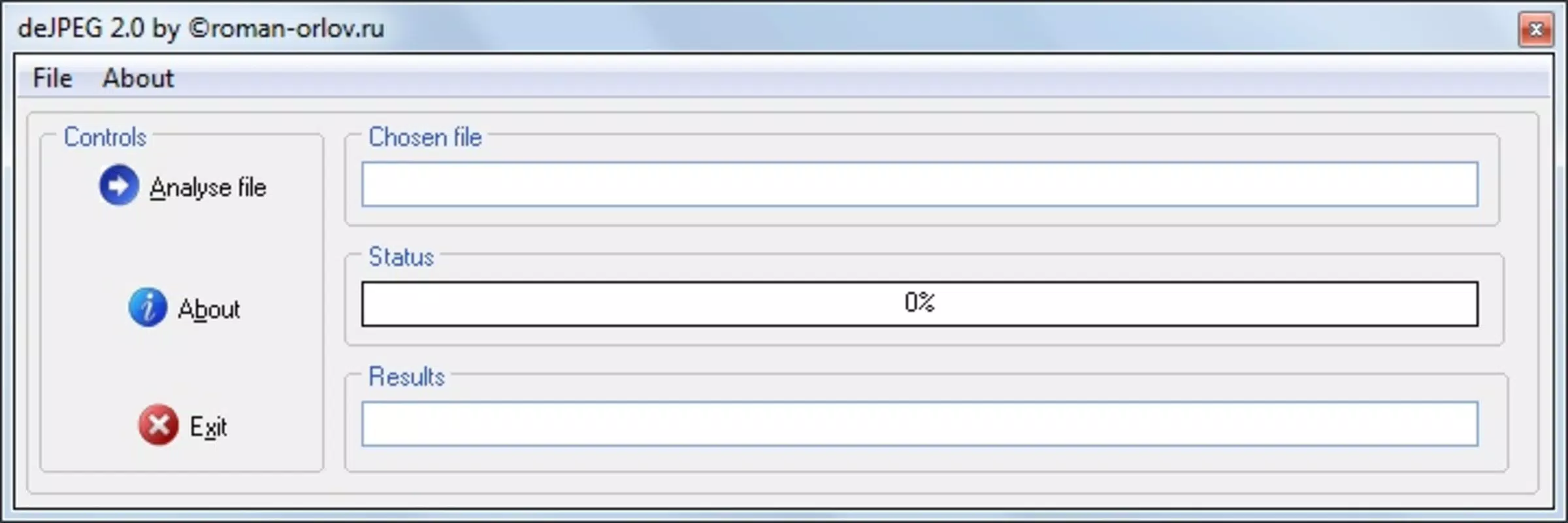
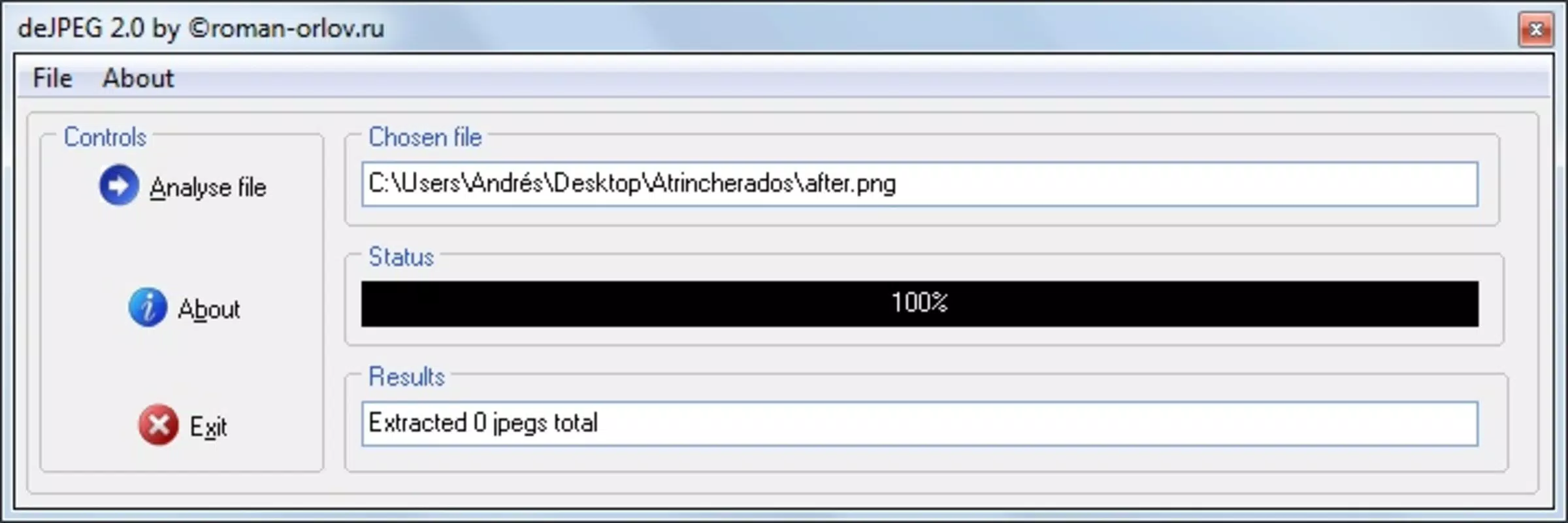
deJpeg features a minimalistic interface focused on functionality rather than visual flair. The layout prioritizes ease of access, with clear file selection prompts and straightforward feedback during the extraction process. Navigation is intuitive, allowing users to load files and initiate analysis with minimal steps. The visual style remains consistent with standard utility apps, emphasizing clarity and usability over decorative elements.
Although the developer did not list formal performance metrics, the app is designed to operate efficiently on a range of Android devices. Users can expect responsive behavior across different screen sizes and processing capabilities, particularly given its small file size of 3.8 MB. The app maintains stability during file analysis, with no reported issues related to crashes or freezes in standard usage scenarios.
Performance is optimized for quick processing, especially when handling moderately sized documents. The app appears to manage memory usage effectively, avoiding excessive battery drain or background activity. While detailed benchmarks were not provided, the overall user experience suggests a stable and reliable tool for its intended purpose. Users seeking a no-frills, dependable utility for image extraction will find the interface and performance to be well-aligned with their needs.
Platform Compatibility & Technical Requirements
deJpeg is available exclusively on the Android platform. The app requires Android as the operating system, though specific version requirements were not listed by the developer. Given its release date of October 26, 2011, and its lightweight nature, it is likely compatible with a wide range of Android devices, including older models.
The app has a file size of 3.8 MB, which is compact and suitable for devices with limited storage space. This small footprint contributes to fast installation and minimal impact on device performance. The developer did not specify minimum OS requirements or hardware specifications, so compatibility may vary depending on the device’s configuration and Android version.
Users should ensure their device meets general Android standards for app installation. While the app is free to download and install, it is important to verify that the device supports the required file formats for successful image extraction. No additional permissions or system-level access were mentioned in the provided information.
Pros and Cons
Pros
- Lightweight design with minimal storage footprint (3.8 MB)
- Efficient image extraction using digital signature detection
- Supports batch processing for multiple image recovery
- Simple, intuitive interface suitable for non-technical users
- Free to download and use with no in-app purchases
Cons
- Developer did not provide detailed compatibility or system requirements
- Platform limited to Android; no iOS or other OS availability confirmed
- Limited feature set tailored to a narrow use case
- No user feedback or update history available in the provided data
- Interface lacks visual polish compared to modern utility apps
FAQ
Is deJpeg safe to download and install?
Yes, deJpeg is free and available from trusted sources. The app does not require elevated permissions and operates within standard Android security guidelines.
Can I extract images from PDFs using deJpeg?
Yes, the app is capable of extracting JPG images from various file formats, including PDFs, if they contain embedded image data.
Does deJpeg support iOS devices?
Currently, the app is only available on Android. There is no confirmed version for iOS or other platforms.
How do I update deJpeg?
Updates are not listed in the provided information. Users should check the official source or app store for the latest version.
What types of files can deJpeg analyze?
deJpeg can analyze any file format that may contain embedded JPG images, including but not limited to text documents, PDFs, and binary files.
Final Thoughts
deJpeg stands out as a focused, no-nonsense tool for users who need to extract JPG images from non-image files. Its ability to recognize digital signatures and recover images efficiently makes it a reliable utility in specialized workflows. While it lacks the broad appeal of mainstream apps, its value lies in its precision and simplicity. For digital professionals, researchers, and archivists working with legacy or mixed-content files, deJpeg offers a practical solution without unnecessary complexity.
With a small footprint, free access, and a clear purpose, the app delivers tangible benefits in niche scenarios where image recovery is essential. Despite limited information on updates and compatibility, its core functionality remains sound and effective. If you’re dealing with documents containing hidden images and need a quick, dependable extraction tool, deJpeg is worth considering.
Download deJpeg now


